
LED TV Care Tips – How to Protect Your LED TV and Extend Its Life
Written by
Doorstep Hub
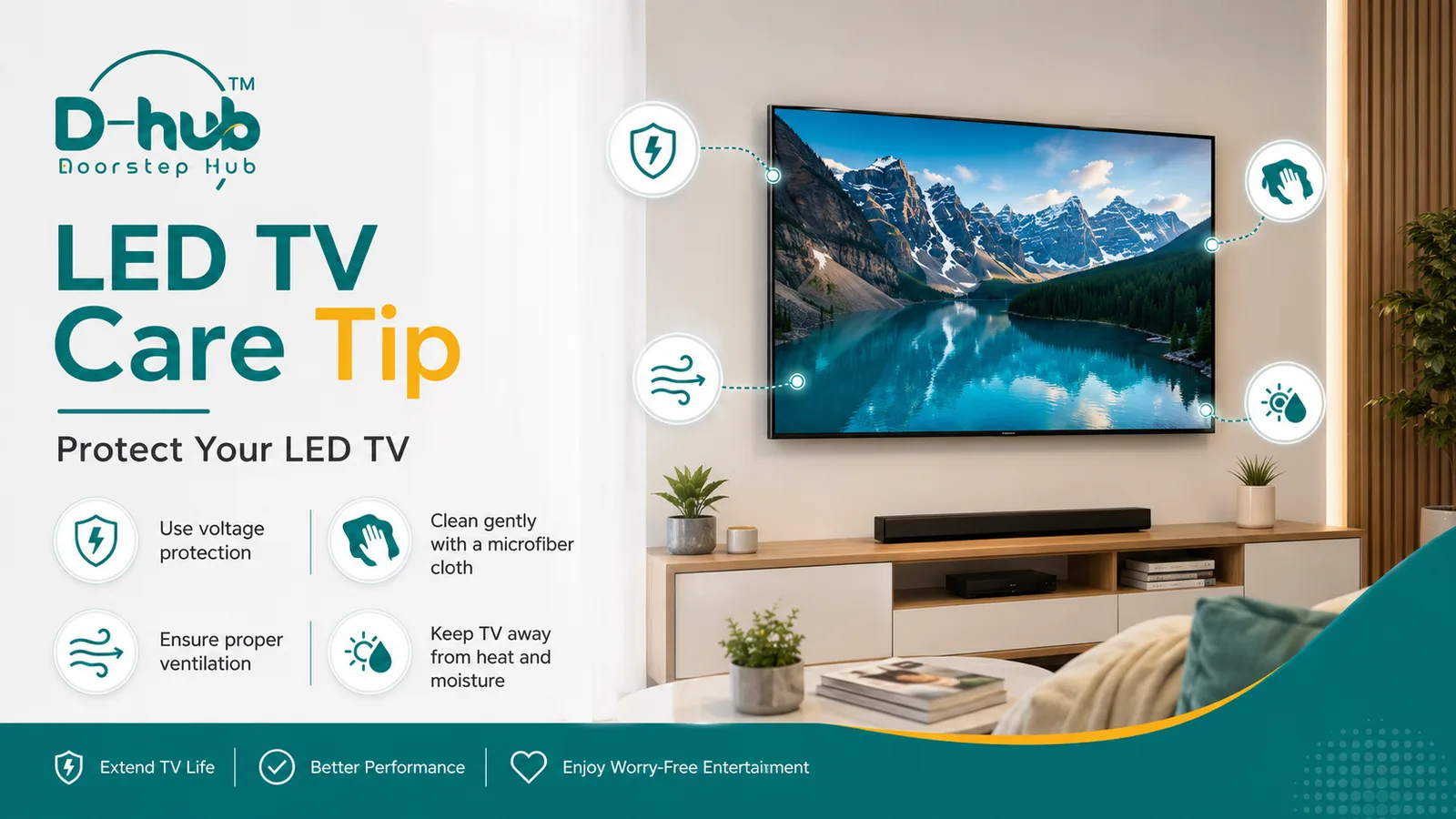
LED TV Care Tips – Protect Your LED TV and Extend Its Life
LED TVs have become an essential part of modern homes, providing entertainment, news, movies, sports, and smart streaming features every day. Because your television is used regularly, proper care and maintenance can help protect its display, electronic components, and overall performance.
With a few simple precautions, you can reduce the risk of common TV problems and help your LED TV last longer. Doorstep Hub brings you these practical LED TV care tips for safer and smoother everyday use.
Why Is LED TV Care Important?
LED TVs contain sensitive electronic components, display panels, circuit boards, power supplies, and smart features. Dust, moisture, overheating, unstable voltage, and improper handling can gradually affect these components.
Regular care can help you:
- Protect the LED display panel
- Reduce overheating
- Prevent electrical damage
- Maintain better picture quality
- Reduce dust accumulation
- Avoid unnecessary repair expenses
- Improve the overall lifespan of your TV
Following a few basic maintenance habits can make a significant difference.
1. Use Voltage Protection for Your LED TV
Voltage fluctuations are one of the common electrical risks for televisions and other home appliances.
Sudden voltage spikes or unstable power supply may affect components such as the TV power board, motherboard, backlight system, or other internal electronics.
Using a suitable voltage stabilizer, surge protector, or quality power-protection device can provide an additional layer of protection for your LED TV.
Simple Safety Tips
- Use a good-quality surge protector.
- Avoid overloaded extension boards.
- Make sure electrical sockets are properly installed.
- Disconnect the television during severe electrical disturbances if it is safe to do so.
- Avoid repeatedly switching the TV power supply on and off unnecessarily.
Good electrical protection can help reduce the chances of unexpected TV problems.
2. Clean Your LED TV Gently
Dust and fingerprints can make an LED TV screen look dull, but using the wrong cleaning method can damage the display.
Always clean your TV carefully.
How to Clean an LED TV Screen
- Switch off the television.
- Allow the screen to cool.
- Use a clean, soft microfiber cloth.
- Wipe the screen gently without applying excessive pressure.
- Clean dust around the frame and ventilation areas carefully.
Avoid spraying water or cleaning liquid directly onto the television.
Strong chemicals, rough cloths, paper towels, and excessive pressure may damage the screen coating or display panel.
For regular cleaning, a dry microfiber cloth is usually the safest option.
3. Ensure Proper Ventilation Around the TV
LED TVs generate heat during operation. Proper airflow around the television helps this heat escape.
If the TV is installed in a tightly enclosed cabinet or placed too close to surrounding objects, heat may build up over time.
Excessive heat can negatively affect electronic components.
For Better Ventilation
- Keep sufficient space around the TV.
- Do not cover the ventilation openings.
- Avoid placing decorative items directly around ventilation areas.
- Keep dust away from air vents.
- Make sure wall-mounted televisions have appropriate airflow.
Good ventilation can help your TV operate at a safer temperature.
4. Keep Your TV Away From Heat and Moisture
The location of your LED TV can affect its lifespan.
Avoid installing or placing the television near:
- Direct sunlight
- Kitchen heat
- Water sources
- Damp walls
- Excessive humidity
- Open windows where rainwater may enter
- High-temperature appliances
Moisture can affect internal electronics, while continuous exposure to heat can increase stress on sensitive components.
Choose a clean, dry, stable, and properly ventilated location for your television.
5. Keep the TV in a Safe and Stable Position
Whether you use a table stand or wall mount, make sure the television is positioned securely.
For wall-mounted TVs, use appropriate mounting brackets and professional installation whenever necessary.
If the television is placed on furniture:
- Keep it on a stable surface.
- Avoid positioning it near the edge.
- Keep cables organized.
- Prevent children or pets from pulling connected wires.
- Avoid placing heavy objects near or above the television.
Safe positioning helps protect your LED TV from accidental falls and physical damage.
6. Avoid Touching or Pressing the LED Screen
LED television panels are delicate.
Pressing the display with your fingers or objects can potentially damage pixels or the screen panel.
When moving or cleaning the television, avoid applying pressure directly to the display.
Children should also be encouraged not to touch, tap, or hit the TV screen.
7. Don't Keep Your TV Running Unnecessarily
Leaving your television switched on for very long periods when nobody is watching increases unnecessary operating hours and heat generation.
Switch the television off when it is not required.
For smart TVs, also review automatic sleep timers, screen-off functions, and energy-saving settings where available.
These settings can help reduce unnecessary power consumption and prolonged screen operation.
8. Check TV Cables and Connections
Loose HDMI cables, damaged power cables, or poorly fitted connectors can sometimes cause display, audio, or connectivity problems.
Periodically check:
- Power cable
- HDMI cables
- Set-top box connections
- Gaming console connections
- Soundbar cables
- Internet/Ethernet cables
- Other connected devices
Avoid repeatedly forcing connectors into TV ports.
If a port appears damaged or loose, professional inspection may be safer than continuing to use it.
9. Keep Your Smart LED TV Software Updated
If you use a Smart LED TV, software updates may provide performance improvements, security updates, application compatibility, and bug fixes.
Check your television manufacturer's update settings periodically.
Use trusted applications and avoid installing unknown software from unreliable sources.
10. Get Professional Support When You Notice a Problem
Small TV problems should not always be ignored.
Contact a qualified technician if your TV shows symptoms such as:
- TV not switching on
- No picture
- Black screen
- Sound but no picture
- Picture but no sound
- Screen flickering
- Horizontal or vertical lines
- Dim display
- Backlight problems
- Unusual restarting
- HDMI ports not working
- Smart TV connectivity problems
- TV overheating
- Unusual sounds
- Power or motherboard problems
Attempting to open or repair internal TV components without the proper skills and tools may cause additional damage and can create electrical safety risks.
Expert LED TV Support with Doorstep Hub
If your LED TV requires inspection, servicing, installation, troubleshooting, or repair assistance, Doorstep Hub can help you connect with service professionals for doorstep support.
Whether you're experiencing a black screen, display issue, sound problem, power issue, backlight failure, connectivity problem, or another TV-related concern, you can request professional assistance conveniently.
Need Expert TV Support?
📞 Helpline: 8886688666
🌐 Website: doorstephub.com
📲 Download the Doorstep Hub App
Take care of your television today to help keep it performing better for longer.