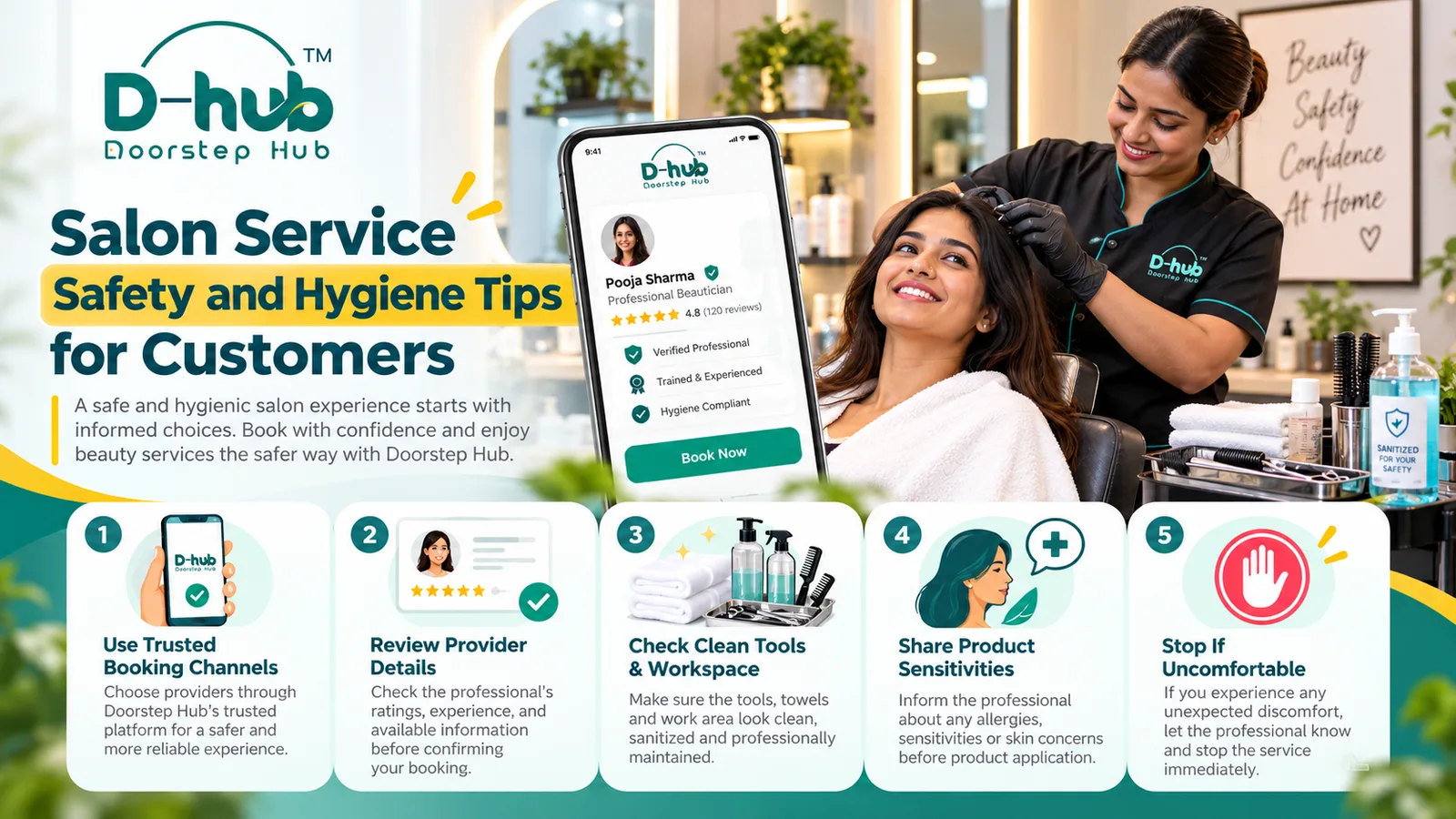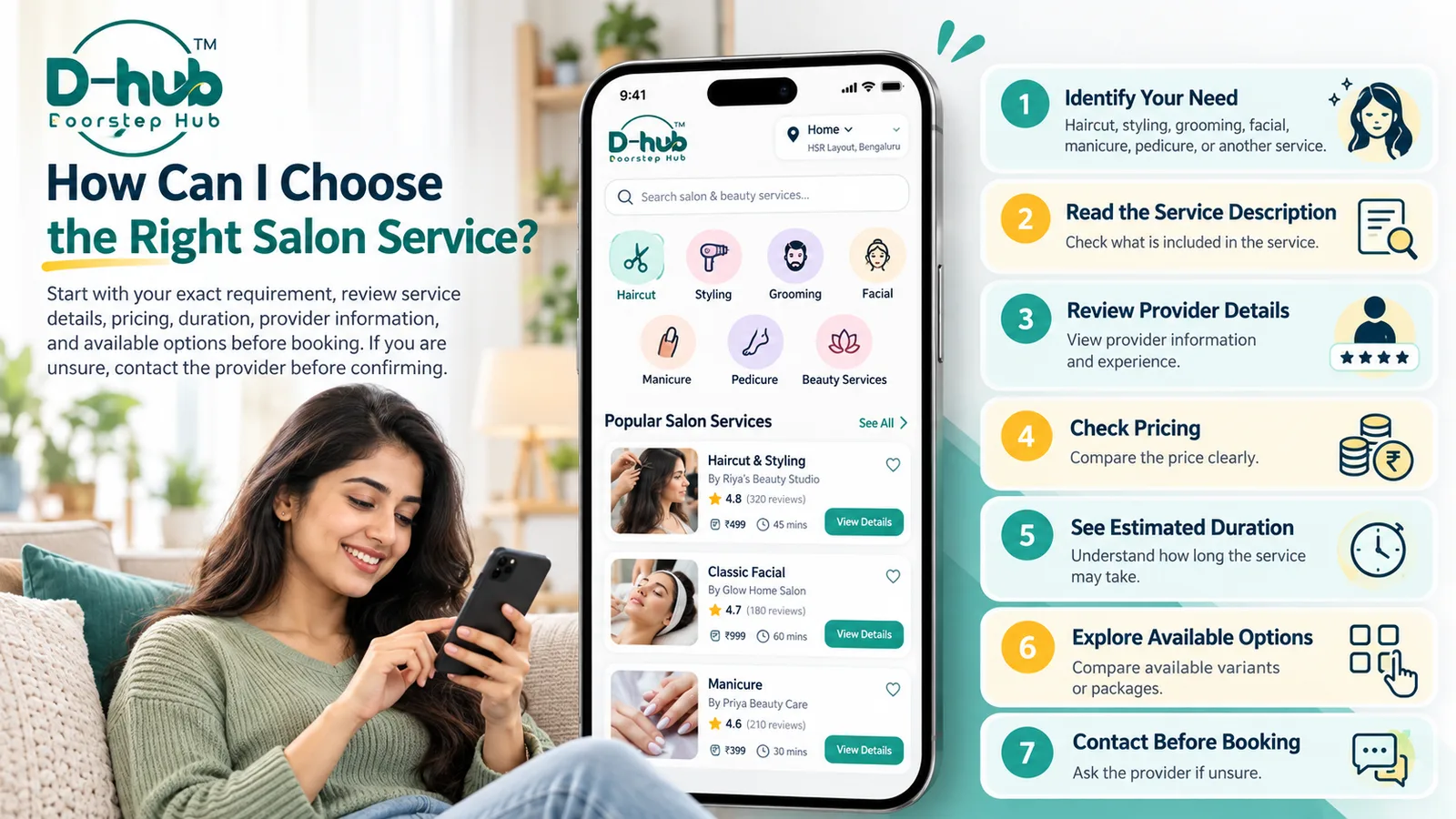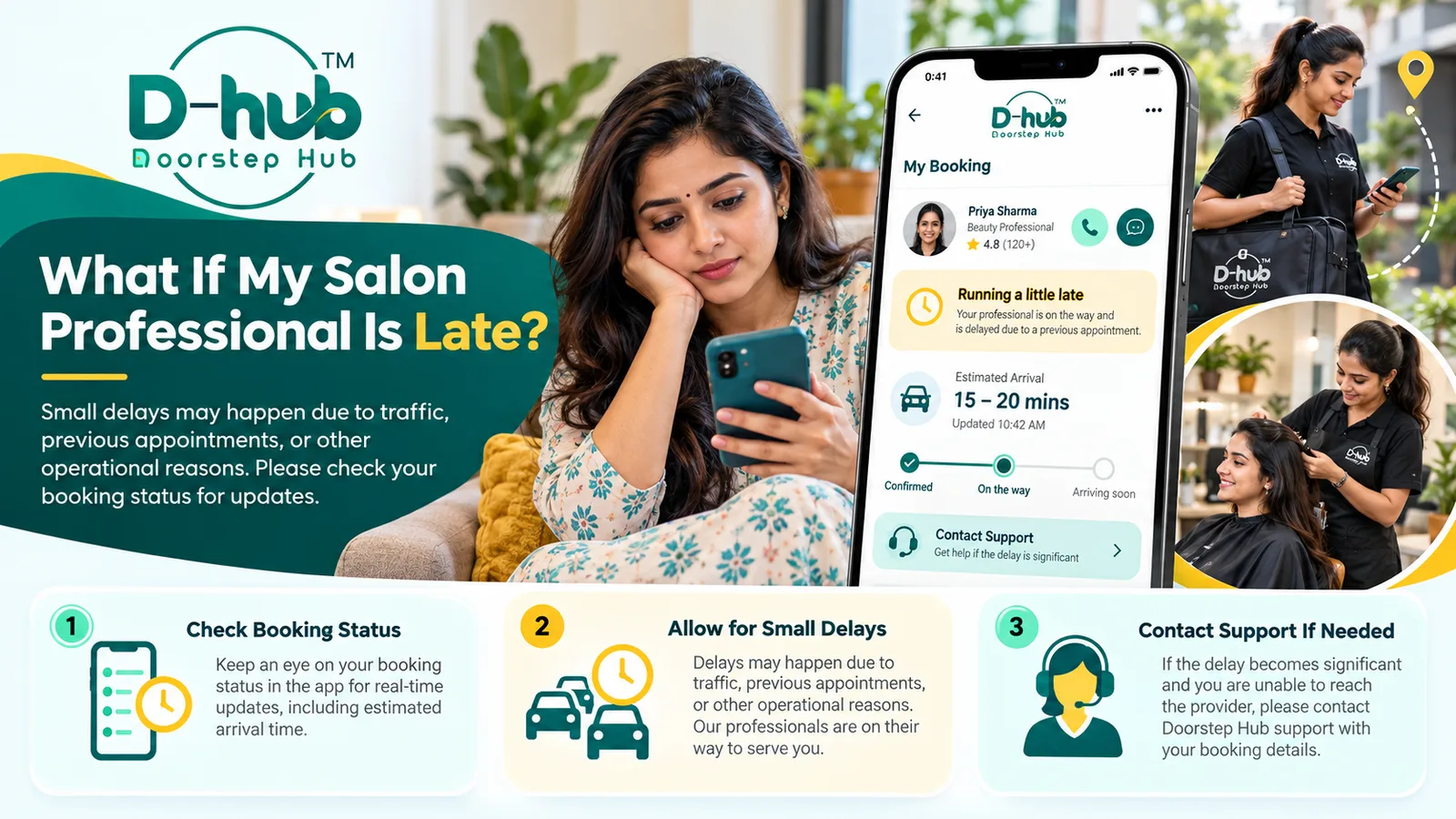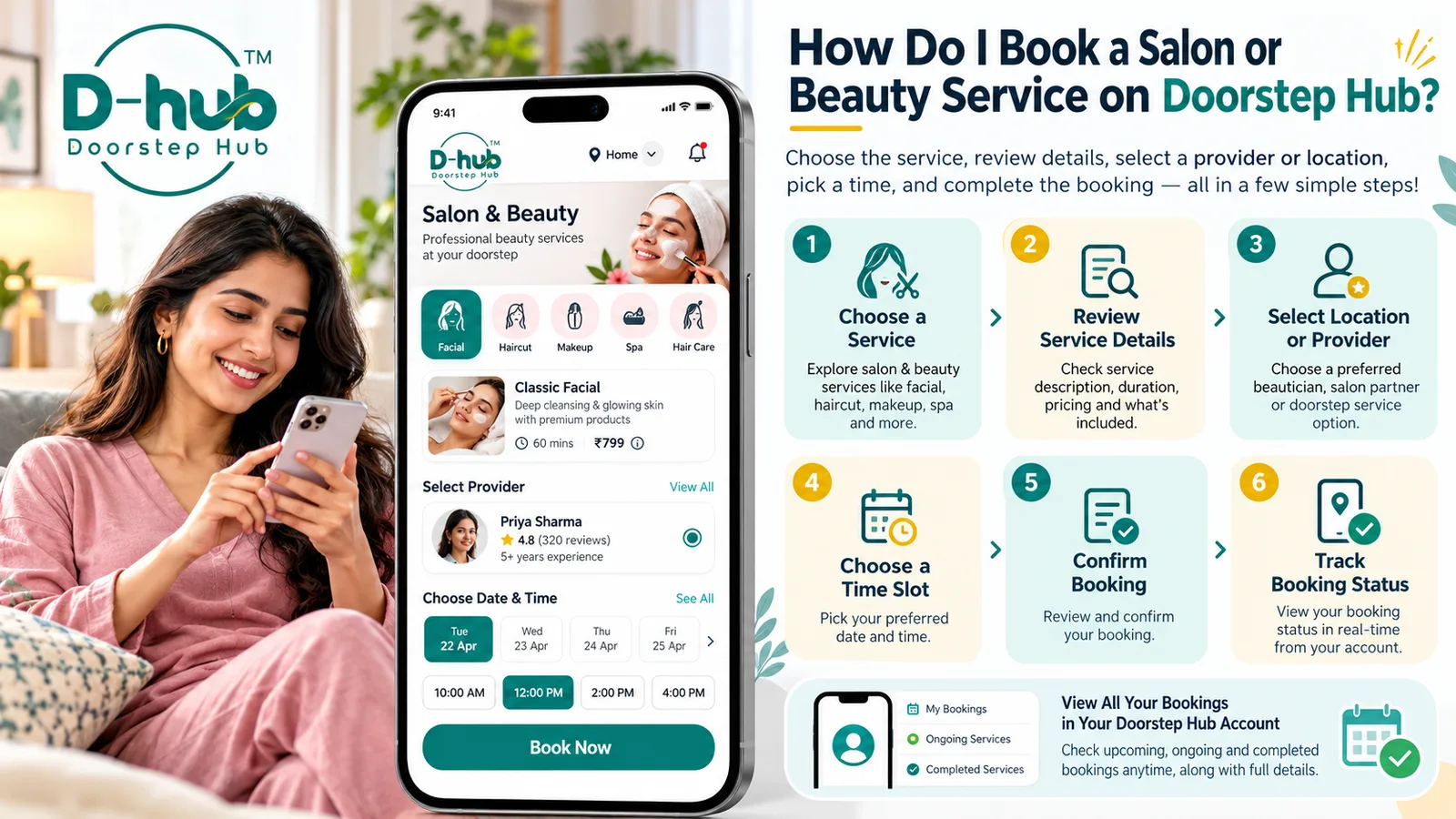
Booking a salon or beauty service becomes easier when you review the available options, understand what the service includes, and choose a suitable provider, location, and appointment time before confirming.
With Doorstep Hub, you can explore available salon and beauty services and complete your booking through a simple process where supported.
1. Open the Salon & Beauty Services Section
Open the Doorstep Hub website or app and go to the salon or beauty services section.
Browse the available categories to find the type of service you need.
Depending on availability, services may include:
- Haircut and styling
- Hair colouring
- Hair treatments
- Facial services
- Cleanup services
- Manicure
- Pedicure
- Grooming services
- Bridal or event services
- Other salon and beauty treatments
Choose the service category that best matches your requirement.
2. Select the Service You Need
Open the specific service you are interested in and review the information provided.
Check details such as:
- Service name
- Description
- What is included
- Approximate duration where shown
- Available options or variations
- Price where displayed
- Any relevant service conditions
Do not confirm a booking based only on the service title.
Reading the complete description helps you understand what you are booking.
3. Review What the Service Includes
Different providers or service packages may include different treatments or steps.
Before proceeding, check whether the service includes everything you expect.
For example, a hair service may include:
- Hair wash
- Haircut
- Styling
- Blow-dry
A facial service may include different treatment steps depending on the selected option.
Review the description carefully so there is less chance of misunderstanding later.
4. Choose Your Preferred Location
Where location selection is available, choose the area or location where you want the service.
Depending on the service and provider, this may involve:
- Visiting a salon
- Selecting a nearby service provider
- Choosing an available service location
- Doorstep service where specifically offered
Check the listing or booking details to understand where the service will be provided.
Do not assume every salon service is available at home unless doorstep availability is clearly shown.
5. Select a Service Provider Where Applicable
If multiple providers are available, review the available information before selecting one.
You may consider details such as:
- Services offered
- Location
- Available appointment times
- Service information
- Provider profile details where available
- Pricing shown for the selected service
Choose the provider that matches your service requirements and preferred location.
6. Choose an Available Date and Time
Select an available appointment date and time from the options shown.
Choose a slot that gives you enough time to attend or prepare for the service.
Before continuing, verify:
- Appointment date
- Appointment time
- Selected service
- Provider
- Location
This can help prevent accidental bookings for the wrong time or place.
7. Add Required Booking Details
Depending on the service, you may need to provide information required to complete the booking.
Review the requested fields carefully and enter accurate details.
Only provide information that is reasonably necessary for the appointment.
If the service has specific requirements or preparation instructions, review them before confirming.
8. Review the Price and Service Information
Where pricing is displayed, check the amount associated with the selected service.
Make sure you understand:
- Service price
- Selected service or package
- Included treatments
- Any options you selected
- Relevant booking information
If something is unclear, review the service description before completing the booking.
9. Review Your Booking Before Confirming
Before submitting your booking, check all the details one more time.
Confirm:
- Correct salon or beauty service
- Provider where applicable
- Location
- Date
- Time
- Service description
- Price where applicable
- Any additional booking details
Correct any mistakes before confirming.
10. Complete the Booking
Once you are satisfied with the selected service and appointment information, complete the booking process.
Follow the available on-screen instructions until the booking request or appointment is successfully submitted.
Where supported, you may receive a confirmation through the Doorstep Hub website, app, account area, or available notification channels.
11. Check Your Booking Details
After completing the booking, review the appointment information in your Doorstep Hub account where this feature is available.
Your booking details may show information such as:
- Service name
- Booking reference
- Provider
- Location
- Appointment date
- Appointment time
- Booking status
Keeping these details available can help you prepare for the appointment.
12. Check the Current Booking Status
Where supported, your Doorstep Hub account may display the current status of your salon or beauty service booking.
The exact status options can depend on the booking process.
Review your account if you need to confirm whether the appointment information has changed or been updated.
13. Review Any Service Instructions
Some beauty or salon treatments may have preparation or after-care instructions.
Where instructions are provided, review them carefully.
For example, certain treatments may recommend:
- Arriving with clean or dry hair
- Avoiding particular products beforehand
- Allowing enough time for the treatment
- Following after-care recommendations
Instructions can vary by service, so rely on the information provided for your selected treatment or by the relevant professional.
14. Arrive or Be Ready at the Scheduled Time
For appointments at a salon, plan to arrive at the selected location at the appropriate time.
For doorstep services where specifically available, make sure you are available at the agreed location.
Having your booking details ready can help if you need to confirm the appointment.
15. Check Details Before Requesting Additional Services
If you decide you want an additional treatment that was not included in your original booking, confirm the details separately.
Additional services may involve:
- Different pricing
- Additional time
- Different availability
- Additional products or treatments
Do not assume an extra service is included unless it is clearly mentioned in your selected booking.
Why Reviewing Your Salon Booking Matters
Checking your booking information before confirming can help create a smoother salon or beauty service experience.
A careful review can help you:
- Choose the correct service
- Understand what is included
- Select a convenient location
- Choose an appropriate provider
- Confirm the correct appointment time
- Understand the displayed price
- Reduce booking misunderstandings
A few minutes spent reviewing the details can help ensure the service matches what you need.
Book Salon & Beauty Services with Doorstep Hub
With Doorstep Hub, you can explore available salon and beauty services, review service details, choose a preferred provider or location where applicable, select an available appointment time, and complete your booking.
Always read the service description before confirming so you understand what is included.
Where supported, you can also review your booking details and current status through your Doorstep Hub account.
Need Help with Your Doorstep Hub Booking?
📞 Helpline: 8886688666
🌐 Website: doorstephub.com
📲 Download the Doorstep Hub App
Review your service details, choose a convenient appointment, and book your salon or beauty service with greater clarity.
Frequently Asked Questions
Common troubleshooting questions answered by our specialists
Was this article helpful?
Your feedback helps us improve our repair guides and service tips.