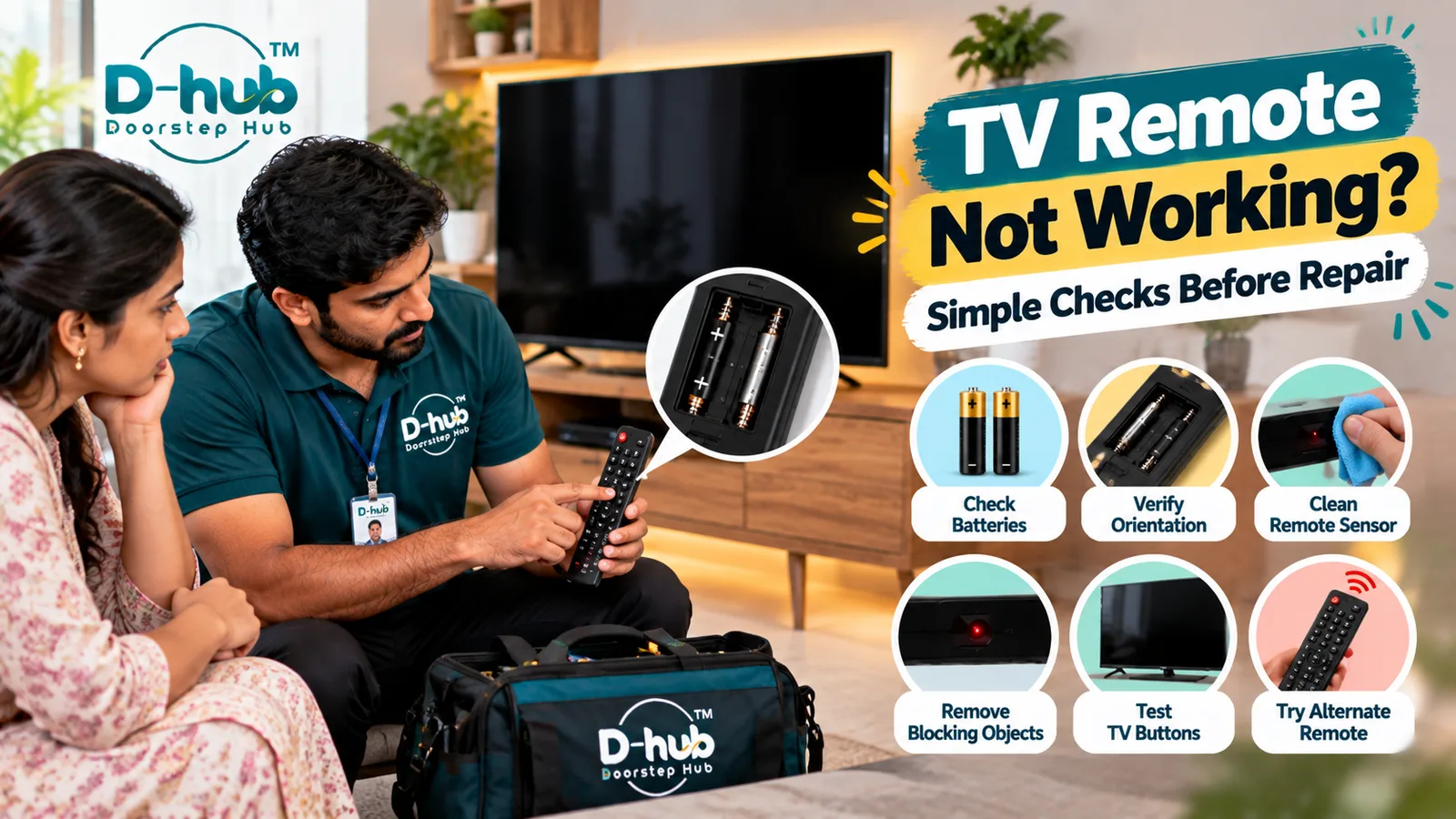
A TV remote that suddenly stops responding can make even basic television functions inconvenient, but the problem does not always mean that your television requires repair. In many cases, remote-control problems are caused by weak or incorrectly installed batteries, dirty battery contacts, blocked TV sensors, excessive distance, physical button problems, or a fault within the remote itself. Sometimes the remote works intermittently, certain buttons stop responding, or the television does not react even though the remote appears to be working.
Before replacing the remote or arranging television repair, there are several simple checks you can safely perform at home. Doorstep Hub brings you this practical troubleshooting guide to help you understand why your TV remote may not be working, what you can check yourself, and when professional TV inspection may be required.
Why Is My TV Remote Not Working?
A television remote sends commands to the TV through infrared or another supported wireless communication method, depending on the television model.
If the TV does not respond, the problem may be related to the remote, batteries, communication between the devices, or the television's receiver.
Common causes include:
- Weak or dead batteries
- Batteries installed incorrectly
- Dirty battery contacts
- Objects blocking the TV receiver
- Dirty remote or TV sensor area
- Excessive distance from the television
- Damaged remote buttons
- Physical damage to the remote
- Pairing problems on compatible Smart TV remotes
- Faulty television remote sensor
Start with basic troubleshooting before assuming the television itself is faulty.
1. Replace the Remote Batteries
Weak or discharged batteries are one of the first things to check when a TV remote stops working.
Replace the existing batteries with suitable batteries recommended for your remote.
After replacement:
- Make sure both batteries are installed correctly.
- Confirm the positive and negative ends match the markings.
- Close the battery compartment properly.
- Test the remote from a normal operating distance.
If the remote starts working again, no further troubleshooting may be necessary.
2. Check the Battery Orientation
Even new batteries will not operate the remote if they are inserted incorrectly.
Open the battery compartment and check the positive (+) and negative (-) markings.
Make sure each battery matches the orientation shown inside the remote.
If the batteries are correctly positioned but the remote still does not respond, continue with the other checks.
3. Inspect the Battery Compartment
Check the accessible battery compartment for visible dirt, corrosion, or damaged contacts.
If the contacts appear dirty, follow the remote manufacturer's recommended cleaning instructions.
Do not pour cleaning liquids directly into the remote.
If battery leakage or significant corrosion is present, the remote may require replacement or professional assessment.
4. Remove Objects Blocking the TV Sensor
For infrared remotes, a clear path between the remote and television receiver is generally important.
Objects positioned directly in front of the television may interfere with the signal.
Check whether items such as:
- Decorative objects
- Soundbars
- Boxes
- Furniture
- Other electronic equipment
are blocking the TV's remote-receiver area.
Remove obvious obstructions and test the remote again.
5. Clean the Remote and TV Sensor Area
Dust and dirt can accumulate around the remote's transmitting area and the television's receiver area.
Use an appropriate soft, dry cloth to gently clean accessible surfaces.
Avoid:
- Spraying liquid directly onto the remote
- Spraying cleaner onto the television
- Using excessive moisture
- Using harsh chemicals
- Opening the remote unnecessarily
After cleaning, test whether the television responds normally.
6. Try the Buttons on the Television
If your television has physical or accessible built-in controls, check whether they operate normally.
Try basic functions such as:
- Power
- Volume
- Menu
- Input selection
If the TV's own controls work but the remote does not, the problem may be limited to the remote control or its communication with the television.
If neither the remote nor the television controls respond, another TV-related issue may need investigation.
7. Check Whether Only Certain Remote Buttons Have Failed
Sometimes the entire remote does not fail. Instead, individual buttons may become difficult to operate.
For example:
- Power works but volume does not
- Navigation buttons stop responding
- Number buttons work intermittently
- Buttons require excessive pressure
This may indicate worn or damaged remote-control components.
Depending on the remote type and condition, replacement may be more practical than repair.
8. Check Smart Remote Pairing
Some Smart TVs use Bluetooth, radio-frequency, or other wireless remote technologies in addition to or instead of traditional infrared operation.
If your Smart TV remote has lost its connection, it may need to be paired with the television again.
Because pairing procedures vary between manufacturers and models, follow the instructions provided by your TV manufacturer.
Avoid using random pairing procedures intended for a different television model.
9. Could the TV's Remote Sensor Be Faulty?
Yes. If the television does not respond to a known-compatible and correctly functioning remote, the problem may involve the TV's receiver or another internal electronic component.
Possible signs include:
- Multiple compatible remotes do not work
- TV buttons work but remote commands are never detected
- Remote operation becomes intermittent
- The receiver area has been physically damaged
Professional inspection may be necessary to confirm whether the television sensor is actually faulty.
10. Avoid Opening the Television Yourself
If basic remote troubleshooting does not solve the problem, avoid opening the television cabinet to inspect the receiver or internal electronics.
TVs contain electrical components that can present safety risks.
A technician can appropriately inspect:
- Remote receiver/sensor
- Sensor board
- Internal connections
- Mainboard
- Related electronic components
Professional diagnosis helps determine whether the problem is actually with the television or only the remote.
When Should You Replace the TV Remote?
Remote replacement may be appropriate when:
- The remote is physically damaged
- Multiple buttons have stopped working
- Battery contacts are badly damaged
- The remote has suffered liquid damage
- The remote no longer communicates with the TV
- A compatible replacement is available
Make sure any replacement remote is compatible with your television's exact model and supported features.
When Should You Call a TV Technician?
Consider professional television inspection when:
- New batteries do not solve the problem
- A known-compatible remote does not control the TV
- Multiple compatible remotes fail to work
- The television's remote sensor appears damaged
- Remote operation repeatedly becomes intermittent
- The TV itself is also not responding normally
- There are additional power, display, or control problems
- Basic troubleshooting does not identify the cause
A trained technician can inspect the remote receiver, sensor board, internal connections, motherboard, and related electronic components when necessary.
Professional TV Repair Support with Doorstep Hub
If your TV does not respond to its remote even after basic troubleshooting, Doorstep Hub can help you connect with service professionals for television inspection, troubleshooting, servicing, and repair assistance.
Whether the problem involves a faulty TV sensor, remote receiver, internal connection, motherboard, Smart TV pairing issue, or another television control problem, proper diagnosis can help determine whether the remote should be replaced or the television requires repair.
Need TV Repair Support?
📞 Helpline: 8886688666
🌐 Website: doorstephub.com
📲 Doorstep Hub App: Open Doorstep Hub App
Start with fresh batteries, correct battery orientation, a clear path to the television, and basic remote cleaning. If a compatible working remote still cannot control the TV, professional inspection may be appropriate.
Frequently Asked Questions
Common troubleshooting questions answered by our specialists
Was this article helpful?
Your feedback helps us improve our repair guides and service tips.