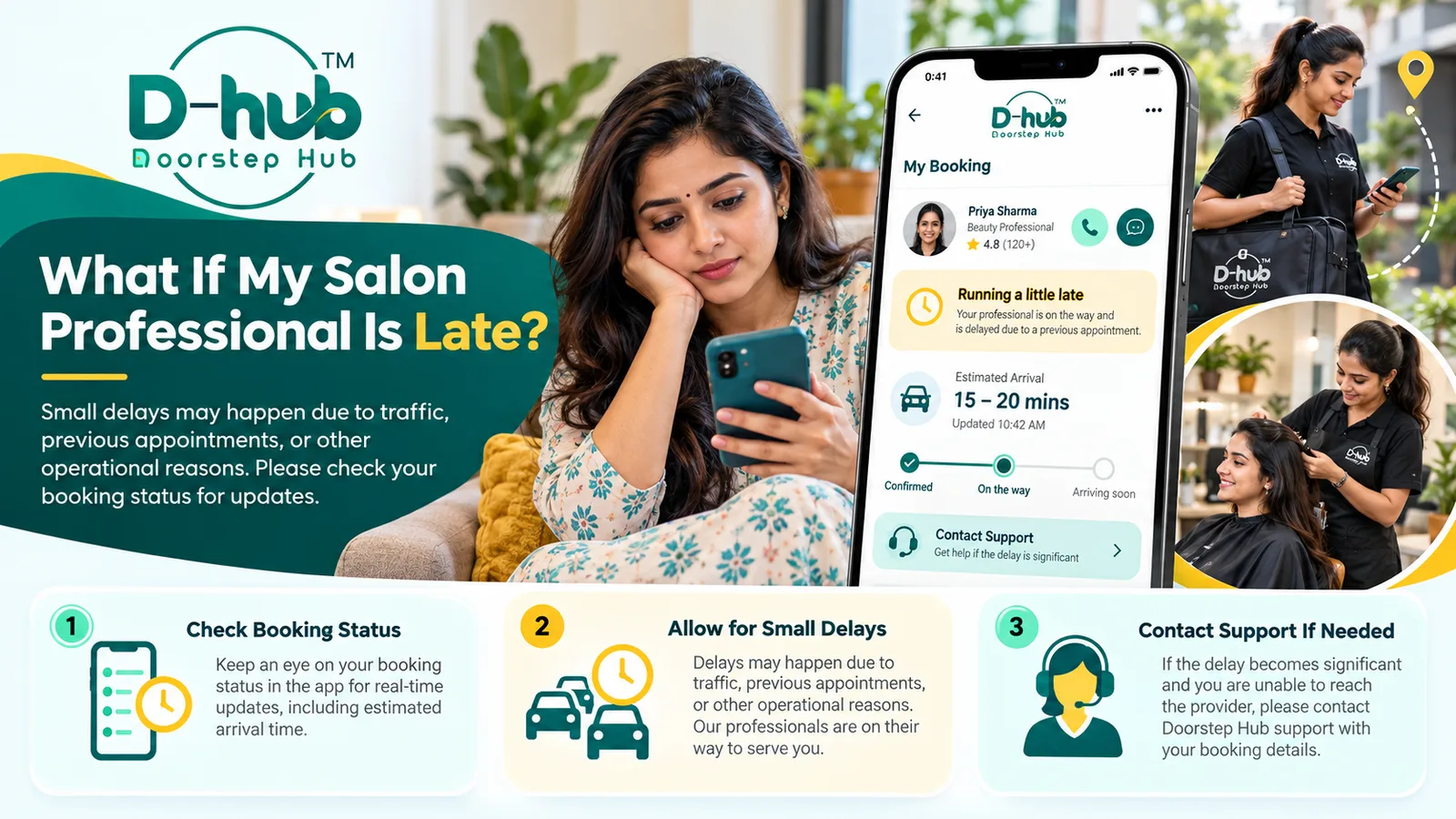
Occasional delays can happen with salon and beauty service appointments because of traffic, earlier appointments taking longer than expected, travel between service locations, or other operational reasons.
If your salon professional is delayed, first check your Doorstep Hub booking details for any available updates. If the delay becomes significant and you are unable to contact the provider, you can reach Doorstep Hub Support with your booking information.
1. Check Your Booking Details
Open your Doorstep Hub account and review the booking for your salon or beauty service.
Check information such as:
- Service name
- Provider
- Appointment date
- Appointment time
- Service location
- Current booking status
- Any available updates
This can help you confirm that the appointment details are correct before taking further action.
2. Review the Current Booking Status
Where supported, your booking may show a current status or other appointment information.
Check whether there has been any update related to:
- Provider arrival
- Appointment timing
- Service status
- Provider availability
- Other booking-related information
If an update is available, use the latest information shown in your Doorstep Hub account.
3. Allow for Minor Delays
Small delays can sometimes occur even when an appointment has been scheduled correctly.
Possible reasons may include:
- Traffic
- Previous appointments taking longer
- Travel between service locations
- Unexpected operational issues
- Provider scheduling changes
A short delay does not necessarily mean that the booking has been cancelled.
4. Keep Your Phone Available
If the provider or Doorstep Hub needs to contact you about the appointment, keeping your registered phone available can make communication easier.
Where applicable, check for:
- Calls
- Messages
- App notifications
- Booking updates
Avoid sharing OTPs, passwords, or other sensitive account information during any communication.
5. Contact the Provider Where Available
If communication options are available through Doorstep Hub, you may contact the provider to ask for an update.
Keep your message simple and focused on the booking.
You may confirm:
- Whether the provider is on the way
- Approximate expected arrival
- Whether the appointment is still active
- Whether any schedule adjustment is needed
Use the communication methods available through the platform whenever possible.
6. Be Ready for the Appointment
For at-home services, remain prepared for the appointment while waiting for a reasonable update.
Make sure the service area is:
- Clean
- Accessible
- Well lit
- Ready for the professional
For appointments at a salon, verify that you are at the correct location and that the appointment time matches your booking.
7. Check Whether the Delay Is Significant
A minor delay may be manageable, but a longer delay can affect your schedule.
Consider whether:
- You have another commitment
- The service requires significant time
- You can continue waiting
- You need to request an alternative arrangement
If the delay becomes difficult to manage, seek an update rather than continuing to wait without information.
8. Avoid Making a Duplicate Booking Immediately
If the professional is delayed, do not immediately create another booking for the same service unless you have confirmed what has happened with the original appointment.
Duplicate bookings may create:
- Multiple active appointments
- Additional charges where applicable
- Confusion with providers
- Scheduling problems
First check the status of the existing booking.
9. Contact Doorstep Hub Support if You Cannot Reach the Provider
If the delay becomes significant and you are unable to contact the provider, reach out to Doorstep Hub Support.
Keep your booking information ready, including:
- Booking reference where available
- Service name
- Provider name
- Appointment date
- Appointment time
- Service location
- Current booking status
Providing these details can help support understand the issue more quickly.
10. Explain the Delay Clearly
When contacting support, briefly explain what has happened.
For example, mention:
- Scheduled appointment time
- How long you have been waiting
- Whether you tried contacting the provider
- Whether you received any updates
- Whether you can still attend or receive the service
Clear information can help support review the situation more effectively.
11. Ask About Available Options
Depending on the booking status and provider availability, different options may be available.
These could include:
- Continuing with the existing appointment
- Receiving an updated arrival estimate
- Rescheduling where supported
- Other booking assistance
Available options can vary, so rely on the information provided for your specific booking.
12. Review Any Updated Appointment Information
If your appointment time changes, check the updated details carefully.
Confirm:
- New expected time
- Provider
- Service
- Location
- Booking status
Make sure the updated arrangement still works for you.
13. Consider Rescheduling if Necessary
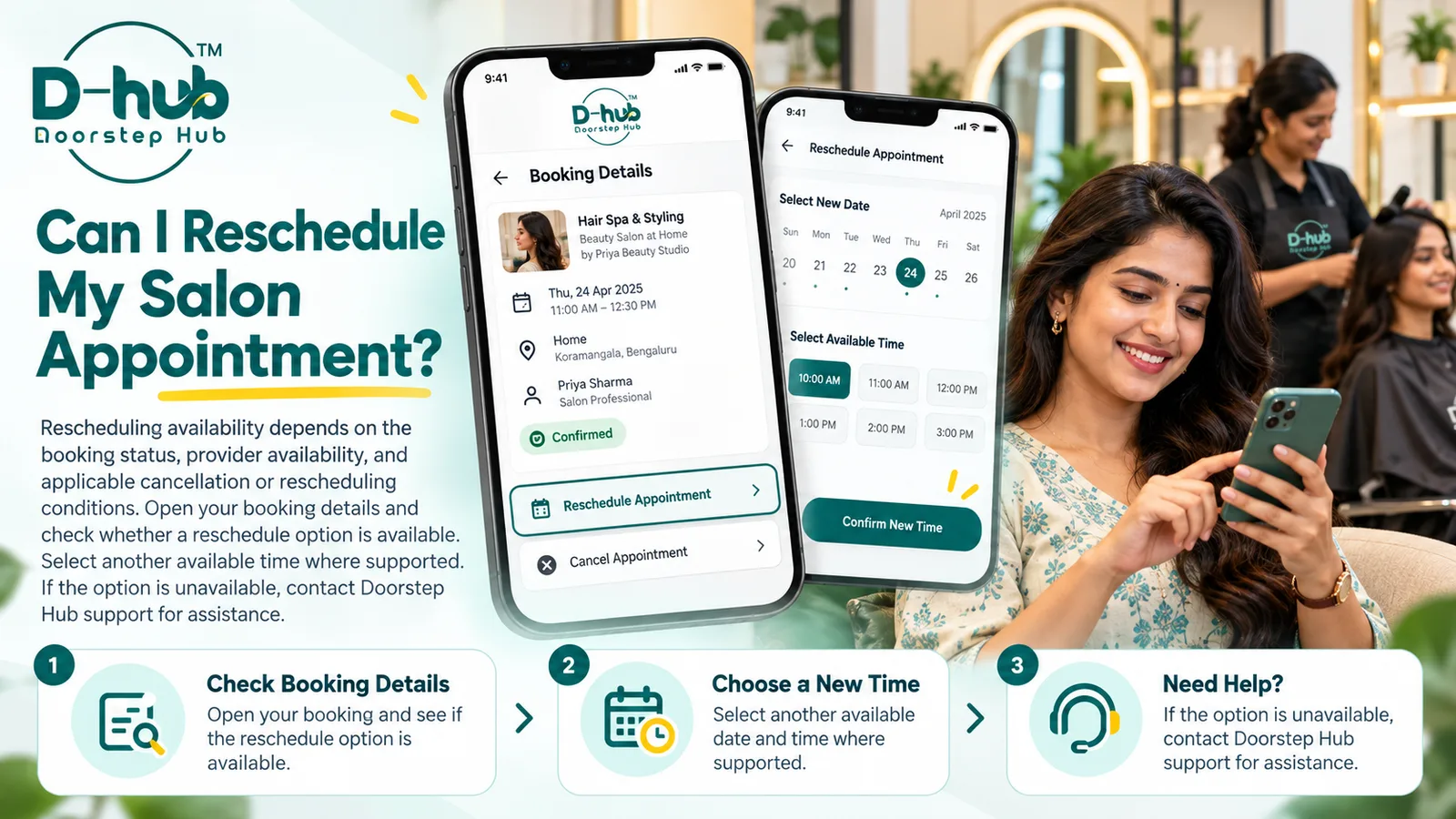
If the delay significantly affects your plans and rescheduling is available, you may consider moving the appointment to another time.
Before rescheduling, review:
- Available time slots
- Provider availability
- Rescheduling conditions
- Your own schedule
Do not assume that every delayed booking can automatically be moved to any preferred time.
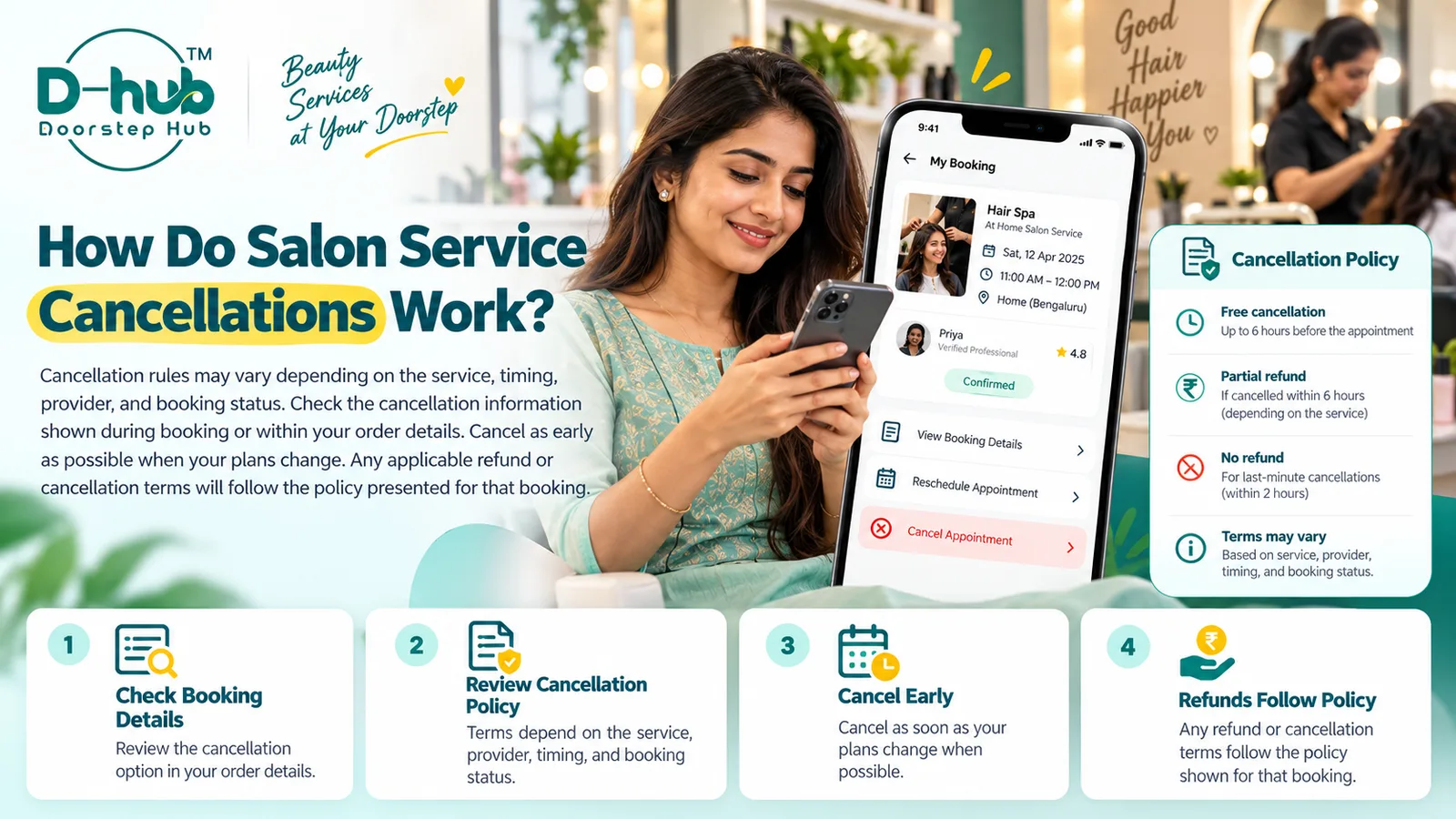
14. Review Cancellation Conditions if You Cannot Continue
If you are no longer able to receive the service because of the delay, review the cancellation options associated with your booking.
Cancellation availability and any related terms may depend on:
- Booking status
- Service
- Provider
- Timing
- Applicable booking policy
Check the terms shown for your specific booking or ask support for clarification.
15. Keep Relevant Booking Information
Until the situation is resolved, keep your booking details and any relevant communication available.
This may include:
- Booking confirmation
- Appointment details
- Provider messages
- Support communication
- Updated status information
This can be useful if further assistance is required.
Why Checking for Updates Matters
A delay does not always mean that an appointment has failed or been cancelled.
Checking your booking information first can help you:
- Confirm the appointment status
- See whether an update has been provided
- Avoid unnecessary duplicate bookings
- Contact the provider with the correct details
- Get appropriate support when necessary
- Decide whether rescheduling or another option is needed
Clear communication can make an unexpected delay easier to manage.
Get Help with Delayed Salon Appointments Through Doorstep Hub
If your salon professional is running late, first check your Doorstep Hub booking details for available updates.
Small delays may occur because of traffic, previous appointments, or other operational reasons.
If the delay becomes significant and you cannot reach the provider, contact Doorstep Hub Support and provide your booking details so the situation can be reviewed.
Need Help with Your Doorstep Hub Booking?
📞 Helpline: 8886688666
🌐 Website: doorstephub.com
📲 Download the Doorstep Hub App
Checking your booking status and communicating early can help you manage appointment delays more smoothly.
Frequently Asked Questions
Common troubleshooting questions answered by our specialists
Was this article helpful?
Your feedback helps us improve our repair guides and service tips.