How Should I Check an Item Before Buying?
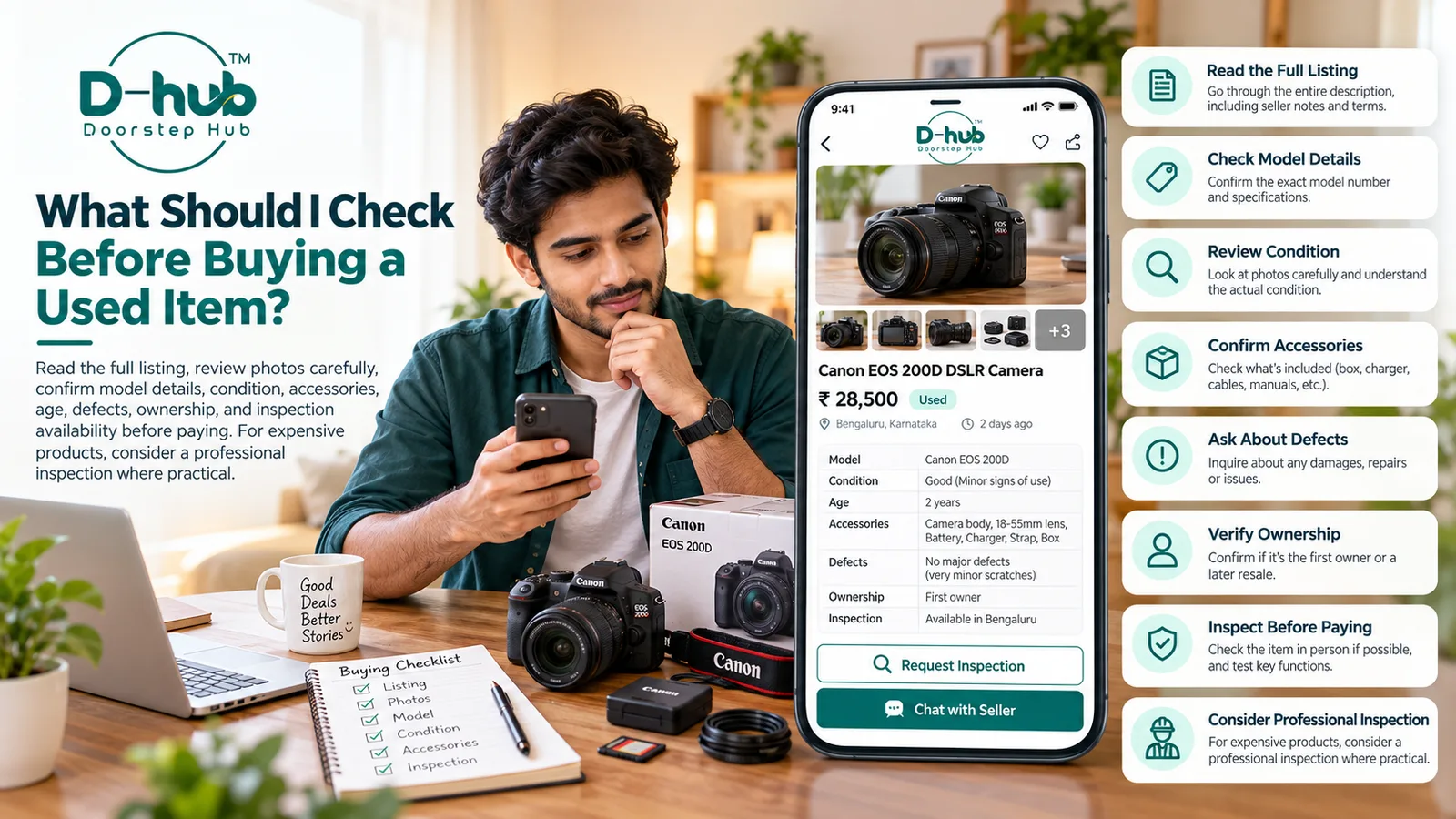
Buying a used item can be a practical way to save money, but it is important to review the listing carefully before making a decision. Photos, descriptions, model details, condition information, accessories, ownership details, and inspection options can all help you understand what you are considering.
When using Doorstep Hub Buy & Sell, take time to verify the available information and ask questions before making any payment.
1. Read the Full Listing Carefully
Do not rely only on the title or first photograph.
Read the complete listing and check whether the seller has provided important details such as:
- Brand
- Model
- Age
- Condition
- Specifications
- Accessories
- Known defects
- Repair history
- Warranty information
- Reason for sale
A complete listing can give you a better understanding of the item before contacting the seller.
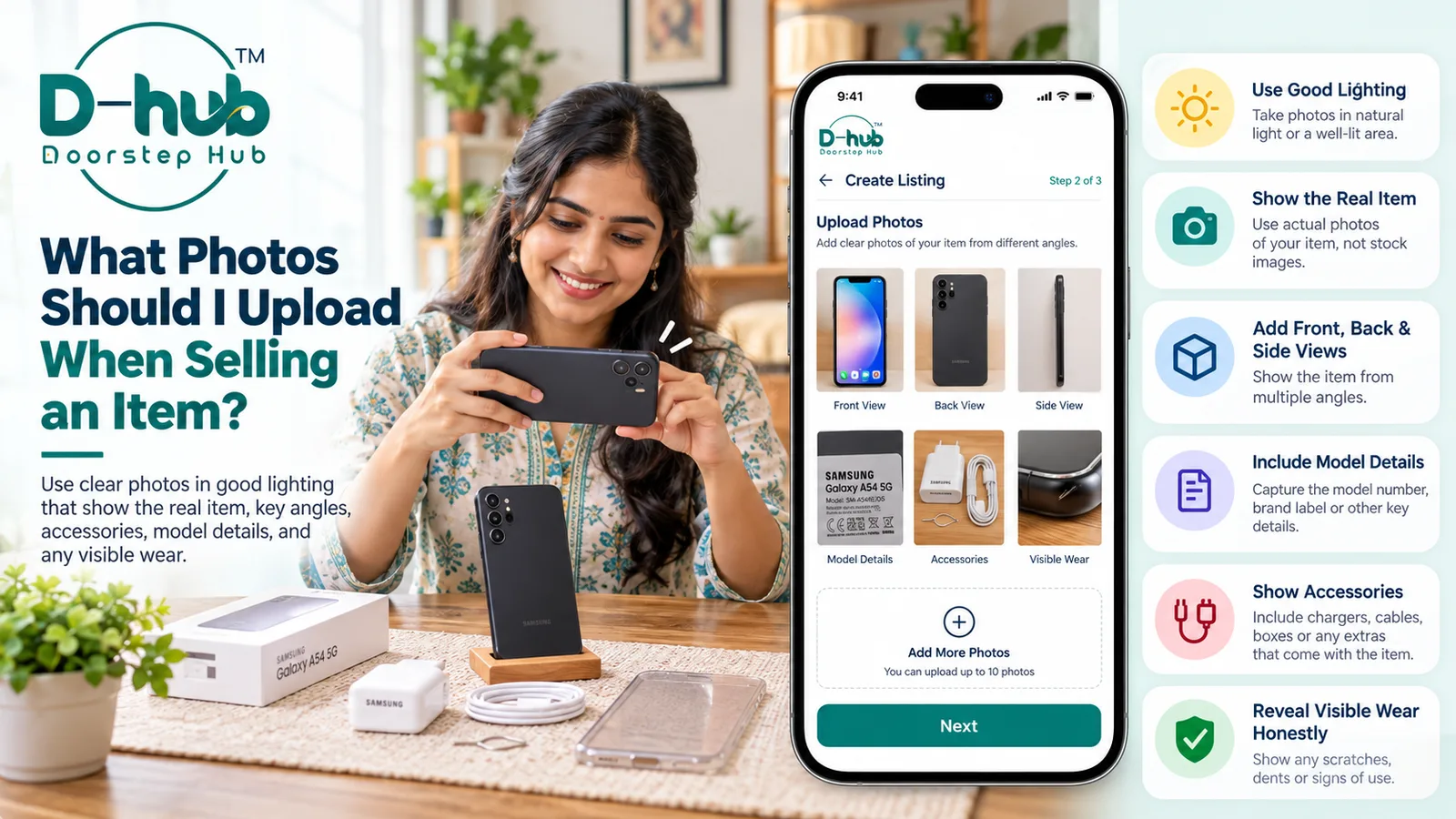
2. Inspect All Available Photographs
Review every photograph provided in the listing.
Look carefully at:
- Front view
- Back view
- Side views
- Screen or display
- Buttons and controls
- Ports and connectors
- Model labels
- Accessories
- Visible scratches
- Dents or cracks
- Other signs of wear
Compare the photos with the written description.
If an important area is not shown, ask the seller for additional recent photographs.
3. Confirm the Brand and Model
Make sure the exact brand and model match what you are looking for.
Ask for the model number where relevant.
This can help you check:
- Product specifications
- Compatibility
- Features
- Storage or capacity
- Replacement-part availability
- Current market value
Similar products may look alike while having different specifications, so confirming the exact model can be important.
4. Understand the Actual Condition
Descriptions such as “good,” “excellent,” or “like new” can mean different things to different people.
Ask specific questions about the current condition.
Check for:
- Scratches
- Dents
- Cracks
- Display issues
- Battery problems
- Missing parts
- Loose components
- Previous repairs
- Functional problems
The more clearly the condition is explained, the easier it is to decide whether the item meets your expectations.
5. Ask About the Age of the Item
Find out approximately when the item was purchased and how long it has been used.
Age can affect:
- Resale value
- Battery performance
- Warranty coverage
- Product support
- Spare-part availability
- General wear
For some products, age may be as important as cosmetic appearance.
6. Confirm What Accessories Are Included
Check exactly what comes with the item.
Depending on the product, this may include:
- Charger
- Remote control
- Original box
- Cables
- Adapter
- Stand
- Carrying case
- Manuals
- Spare parts
- Other accessories
Do not assume every accessory shown in a photograph is included.
Ask the seller to confirm what is part of the sale.
7. Ask About Known Defects
Before buying, ask whether the item has any known problems.
Possible issues may include:
- Display damage
- Battery problems
- Faulty buttons
- Damaged ports
- Connectivity issues
- Mechanical faults
- Missing components
- Previous major repairs
If a defect is mentioned, try to understand how it affects normal use.
Do not hesitate to ask for close-up photographs or more information.
8. Review Ownership Information Where Relevant
For certain products, ownership information may be useful.
You may ask whether:
- The seller is the current owner
- Proof of purchase is available
- An invoice is available
- The item has had previous owners
- Relevant registration documents are available
This can be especially important for higher-value items.
Make sure the information provided appears consistent with the product and listing.
9. Ask Whether Inspection Is Possible
Where practical, ask whether you can inspect the item before making payment.
Inspection may help you:
- Verify condition
- Confirm the model
- Check accessories
- Test important functions
- Compare the item with the photos
- Identify visible damage
- Ask questions directly
For used products, seeing the actual item can provide information that photographs alone may not show.
10. Test Important Functions Where Possible
If inspection is available, check the main functions relevant to the product.
Depending on the item, this could include:
- Power on and off
- Screen or display
- Sound
- Buttons
- Charging
- Battery
- Ports
- Connectivity
- Mechanical movement
- Remote controls
- Other important features
Do not assume that an item is fully functional simply because it looks clean externally.
11. Consider Professional Inspection for Expensive Items
For higher-value or technically complex products, professional inspection may be worth considering where practical.
Examples could include:
- Vehicles
- High-value electronics
- Expensive appliances
- Specialized equipment
- Products with complicated mechanical or electrical systems
A qualified professional may be able to identify issues that are difficult to detect during a basic visual inspection.
Professional inspection may involve an additional cost, so consider whether it is appropriate based on the item's value and complexity.
12. Compare the Item With Similar Products
Before making a decision, compare the listing with similar used items.
Review:
- Condition
- Age
- Model
- Specifications
- Included accessories
- Known defects
- Asking price
This can help you understand whether the product and price are reasonable compared with similar options.
13. Be Cautious About Paying Before Verification
If practical, verify important details before making payment.
Take additional care when:
- The item is expensive
- The seller avoids reasonable questions
- Photographs are unclear
- Listing information keeps changing
- The seller refuses inspection without explanation
- Product details do not match
Do not let pressure or urgency prevent you from checking information properly.
14. Keep Personal and Financial Information Secure
During the buying process, never share sensitive authentication details.
This includes:
- OTPs
- Passwords
- UPI PINs
- ATM PINs
- CVV numbers
- Banking passwords
- Login verification codes
Product verification should never require you to reveal private account credentials.
Why Checking an Item Before Buying Matters
Careful review can help you better understand the item before deciding whether to proceed.
It can help:
- Confirm the correct model
- Understand the actual condition
- Identify visible defects
- Verify included accessories
- Evaluate the asking price
- Reduce misunderstandings
- Make a more informed buying decision
The goal is to
Frequently Asked Questions
Common troubleshooting questions answered by our specialists
Was this article helpful?
Your feedback helps us improve our repair guides and service tips.